The first month of a home booking business, room first
Most people starting an online travel or booking business from a flat begin with the website. The room usually needs attention first. Here is the order we would follow across the opening weeks, and the small routine that keeps it working.
This is for anyone in the opening weeks of a home-based online business, particularly a travel or booking business run from a spare room or a corner of a flat. It covers the order to set the room up in, the purchases worth delaying, and a weekly routine simple enough to survive a busy fortnight. If you have arrived here looking for advice on starting a travel portal, the honest answer begins with the desk rather than the website.
Week one: the room, not the website
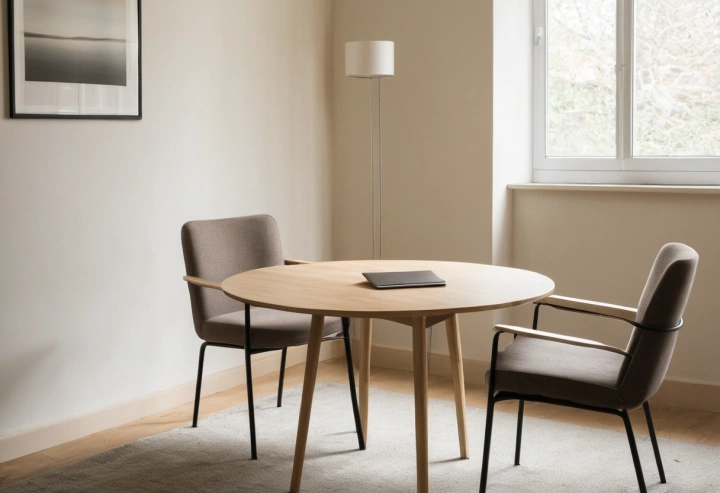
Before buying anything, decide where the work happens and what else that room does. A desk in the bedroom competes with sleep. A desk in the sitting room competes with the television and with everyone else in the household. Neither is impossible, but both need a boundary: a screen or a folding panel, a rug that marks the working area, or simply an agreement about hours. Write the hours down and put them where the household can see them.
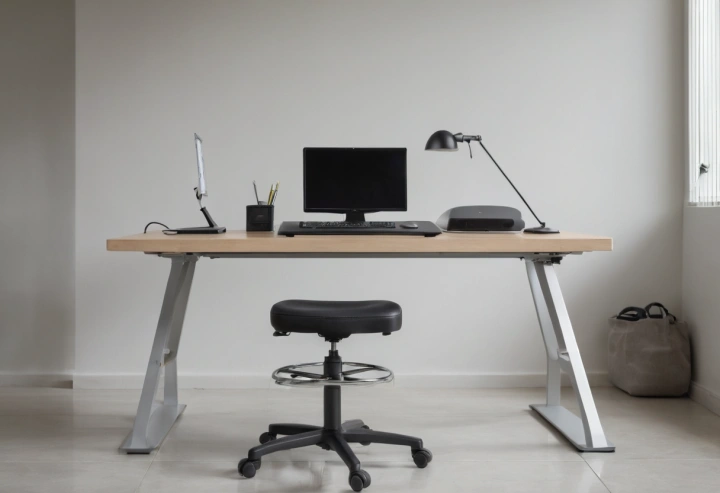
Then sort the basics in this order. Chair, because you will spend more time in it than in front of any screen. Desk height and depth, so your forearms rest level and the screen sits about an arm’s length away. Light, positioned so daylight comes from the side rather than behind the screen or straight into your eyes. Power, with enough sockets within reach that nothing trails across a walkway. In a flat with few outlets, a single surge-protected extension block fixed under the desk is tidier and safer than a chain of adaptors.
Air conditioning matters more here than in cooler places. Work out where the cold air lands. If it blows directly onto the back of your neck for several hours a day, move the desk or adjust the vent, and do it now rather than after a month of stiff shoulders. Dust arrives quickly in this climate, so plan for wiping surfaces rather than hoping they stay clean.
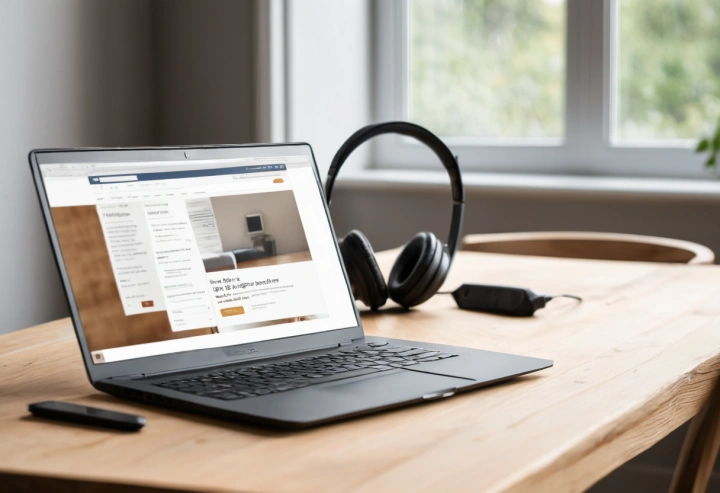
Only once those are settled does the connection deserve attention. Booking work involves live systems, video calls with suppliers and occasional large uploads. Test the connection in the actual room, at the actual working hours, not standing beside the router. If the signal is weak there, a cable to the desk solves it more cheaply than most alternatives.
What a booking portal actually is, in plain words
A travel portal is a website where a customer searches for flights, hotels or tours, sees prices, and pays. Underneath, it is mostly plumbing. The site asks a supplier’s system what is available, receives an answer, displays it, and passes the booking back. You rarely hold the stock yourself. You run the shop window, the payment step and the customer relationship.
There are two common arrangements. In one, you connect your own site directly to supplier systems, which means more control and more technical responsibility. In the other, you use a ready-made platform supplied by another company, carrying their branding rules and their inventory, which means less to build and less you can change. Both leave you answering the phone when a reservation goes wrong at midnight.
That last point shapes the room. If bookings can arrive while you sleep, you need a place where a laptop can stay open and connected without being knocked by a cat or buried under laundry, and a way of being alerted that does not wake the whole flat. Our guide to the always-on side of booking work covers the power and connection side of that in more detail. For the wider sequence of decisions, including the ones that come before the room, see how to start a tour or travel agency business from home in the UAE.
Licensing and registration are not something to guess at. Check the current requirements for your activity and your emirate with the relevant UAE authority, and confirm what is permitted from a residential address, before you take money from anyone. Requirements change and differ between authorities, so treat anything you read online, including this, as a prompt to ask rather than an answer.
Weeks two and three: storage that matches the work
A home booking business produces less paper than people expect and more than they plan for. Passport copies, signed forms, invoices, supplier contracts, itineraries printed because a client asked. Some of it is sensitive and some must be kept for a period set by rules you should confirm rather than assume.
Split storage into three kinds and buy for each separately.
- Live paper: the handful of files you touch this week, in a shallow tray or an upright sorter on the desk, cleared every Friday.
- Kept paper: closed files and records, in a lockable box or a small cabinet, off the floor and out of the sitting room.
- Digital records: one folder structure agreed with yourself, backed up automatically to a second location, with passport scans and payment details never left in a downloads folder.
Sensitive paper deserves a lock even in a family flat, partly for privacy and partly because children and visitors move things. A cheap shredder can wait; a locked box cannot. For digital records, settle the folder names before the first client, because renaming everything later is a miserable afternoon. Something plain works: year, then client, then documents.
Resist buying shelving in the first month. Wait until you can see what accumulates. Most one-person booking businesses need far less physical storage than a general home business, and a fitted wall of shelves ends up holding books and boxes of cables.
What to postpone, and why
The second monitor is the classic early mistake. It is genuinely useful for comparing an itinerary against a supplier screen, but a single decent screen and a laptop stand will carry the opening weeks. Buy the second one when you have caught yourself switching windows repeatedly for a whole day.
Also worth delaying: a printer, unless clients regularly need paper from you; a dedicated landline; branded stationery; a fitted desk; and any annual software subscription offered at a discount for paying upfront. Monthly costs are easier to cancel than annual ones, and in the first month you do not yet know which tools you use. Take the trial, keep the card receipt, and set a reminder to review it.
Do not postpone the boring protections. A backup that runs without you thinking about it, a password manager, a separate bank account for the business once your registration allows it, and a surge protector are all cheap relative to what they prevent. Nor should you postpone a second person knowing how to reach your supplier contacts if you are ill. Write that page and keep it in the kept-paper box.
If you are weighing a ready-made platform against building your own, the day-to-day reality is more useful than the sales pitch. We have written separately about what running a ready-made booking website means for a one-person home office, including the maintenance nobody mentions.
A weekly routine that fits on one page
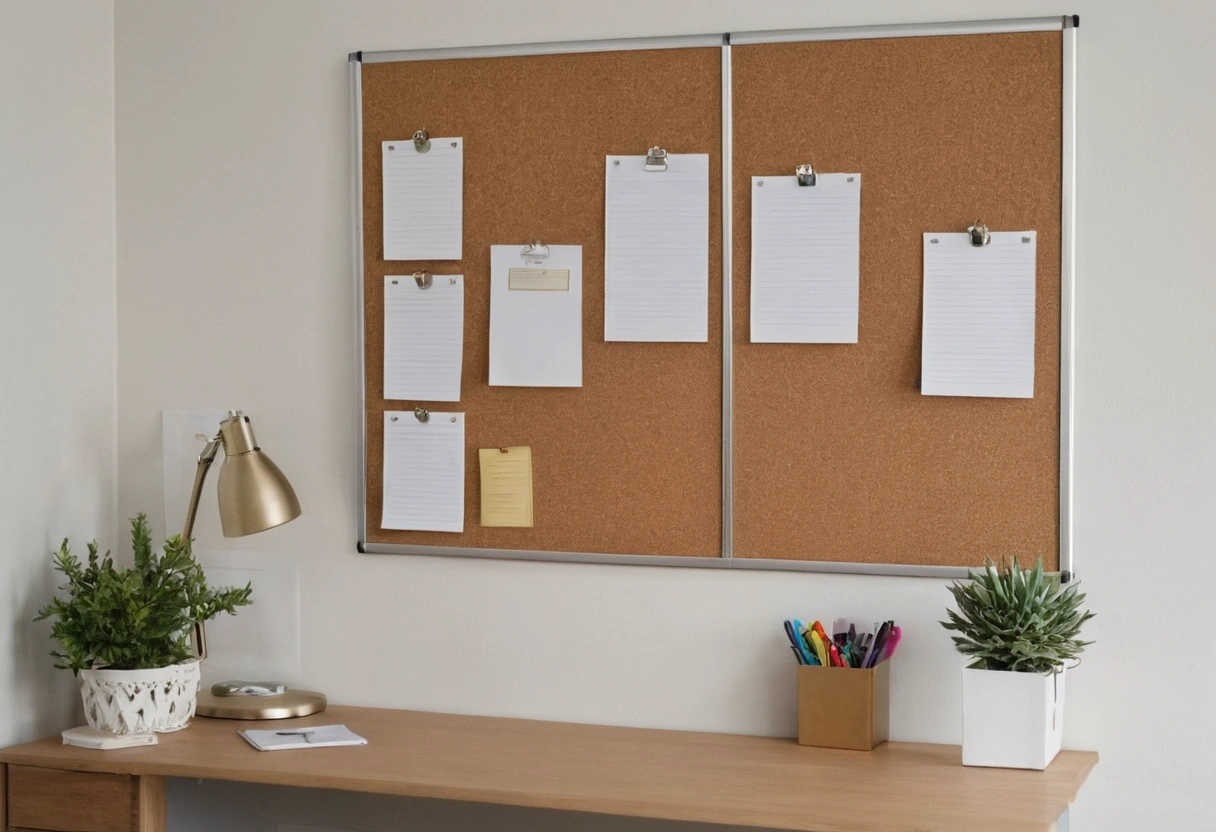
Pin a short list to the wall above the desk. Ours would look like this.
- Monday, first half hour: read the week’s bookings and enquiries, write the three things that must happen, ignore the rest until those are done.
- Daily, last ten minutes: clear the live paper tray, close the tabs, note tomorrow’s first task on paper.
- Midweek, one fixed block: supplier and platform admin, price checks, invoice chasing, the work that never feels urgent.
- Friday, one hour: check the backup ran, file the week’s documents, wipe the desk and screen, empty the shredding pile if there is one.
- Month end: read the subscriptions list, cancel what went unused, and look honestly at what the room lacks.
The daily ten minutes is the part that saves the room. Without it, paper spreads across the desk within a fortnight and the working corner becomes the household’s dumping ground. With it, the space resets itself every evening and stays a place you want to sit in.
Your next step
Before you open another browser tab to compare platforms, stand in the room you intend to work in and spend a quarter of an hour with a notebook. Write down where the light comes from, where the sockets are, where the cold air lands, and what else the room is used for. Then move the desk if it needs moving. That single adjustment will do more for your first month than any purchase, and it costs nothing but an afternoon.