A booking desk you can sit at all day
Running a booking site means long stretches of screen time broken by bursts of typing and calls. Here is how to set up the desk so the body copes with both.
This is for whoever runs an online booking site from a spare room or a corner of a flat: the travel agent issuing tickets between school runs, the freelancer holding several booking dashboards open at once, the household where one desk does the accounts, the itineraries and the video calls. The work is mostly sitting, looking and typing, with sudden rushes when a customer wants a change made now. A desk arranged for occasional email will not carry that. What follows is the order we would set things up in, starting with the screen and ending with what to do first.
Screen height comes first
Most of the strain in this job settles in the neck, and most of it comes from a laptop sitting flat on a desk. The screen is too low, so the head tips forward and stays there for hours. Raise it. The top edge of the display should sit at or just below eye level when you are sitting upright and looking straight ahead, so your gaze falls slightly downward onto the middle of the screen without your chin dropping.
A laptop stand and a separate keyboard solve this cheaply. So does an external monitor, which suits booking work better because you can hold the reservation system on one side and the customer’s message on the other. If you use two screens, put the one you read most directly in front of you and angle the second beside it, rather than splitting the difference and twisting your neck all day.
Distance matters as much as height. Sit back so the screen is roughly an arm’s length away, then increase the text size in the browser instead of leaning in. Booking panels are dense with small type, dates and fare codes, and squinting at them pulls people forward into a slump by mid afternoon. Set the default zoom higher than feels necessary. You will stop noticing it within a day.
If you wear varifocals, the usual advice reverses slightly: a screen set too high forces you to tilt your head back to read through the lower part of the lens. Drop the monitor a little and keep it further away.
The chair, and what to do before replacing it
A good chair helps, but a good chair badly adjusted is worse than a plain one set properly. Work through it in this order:
- Feet flat and fully supported, either on the floor or on a footrest. A stack of books wrapped in something non-slip does the job until you find a proper wedge.
- Thighs roughly horizontal, with a gap of a couple of fingers between the front edge of the seat and the back of the knee.
- Lower back supported by the backrest, which usually means raising the lumbar pad or adding a small cushion at belt height.
- Armrests set so the shoulders stay dropped while the forearms rest lightly, neither lifted nor dangling.
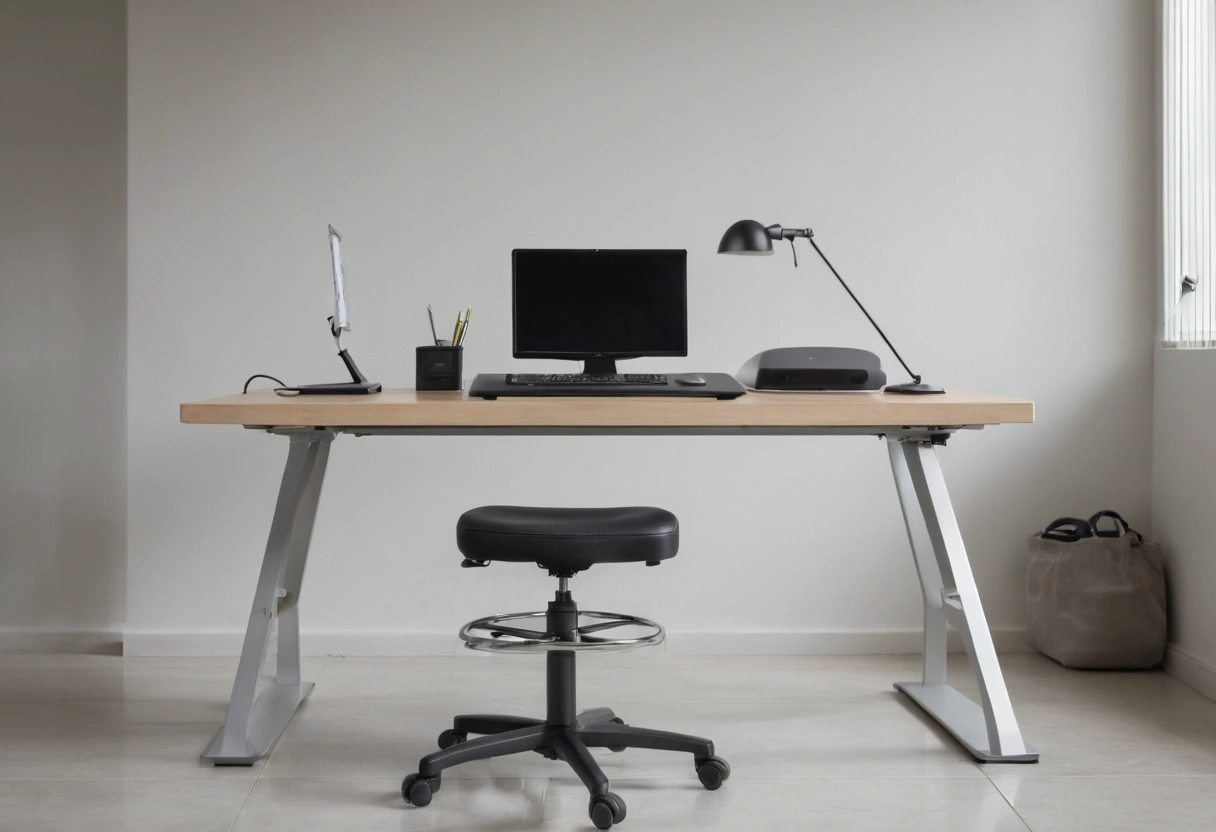
Then check the desk against the chair, not the other way round. With shoulders relaxed and elbows bent to about a right angle, your forearms should meet the keyboard without reaching up or hunching down. Most fixed desks are a little too high for this. Raising the chair and adding a footrest is the standard fix, and it costs far less than a new desk.
For a flat where the office shares a room with everything else, look for a chair on castors that tucks fully under the desk and a footprint small enough to live with. Mesh backs suit the climate here; padded fabric holds heat through a long afternoon even with the air conditioning running. Our note on where spending matters in a home office covers why the chair and the connection deserve money before the desk does.
Keyboard, mouse and the small repetitive movements
Booking work is odd typing. Long quiet stretches, then a burst of names, passport numbers and dates entered at speed, often half copied from a message on the other screen. That pattern punishes a cramped layout.
Use a separate keyboard close to the front edge of the desk, with the mouse immediately beside it at the same height. Reaching sideways for a mouse parked beyond the number pad rotates the shoulder outward and holds it there thousands of times a day. If you rarely enter figures, a compact keyboard without a number pad gives you that space back.
Keep the wrists straight rather than bent upward. A flat keyboard, or one with the rear feet folded down, usually beats a propped-up one. A wrist rest is for pausing between bursts, not for resting on while typing. Learn the handful of shortcuts your booking system uses for saving, searching and moving between fields; each one removes a reach for the mouse.
If you take card details over the phone, a headset removes the worst posture in the whole job: a phone clamped between ear and shoulder while both hands type. Any decent over-ear headset with a boom microphone will do.
Light that suits the screen and the camera
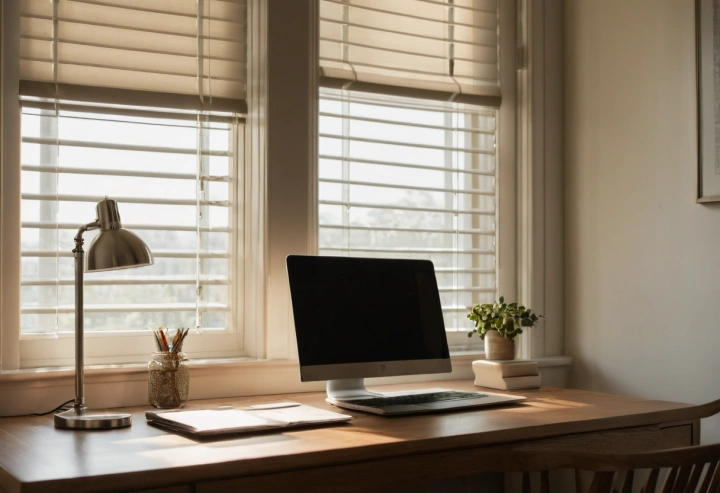
Daylight should come from the side. A window behind you throws reflections across the screen; a window in front leaves you squinting into brightness with the display washed out. Set the desk perpendicular to the window and use a blind or sheer curtain to soften the harsher hours. In this region the afternoon sun through unshaded glass is the main enemy of a readable screen, and it heats the room at the same time.
Overhead light alone tends to leave the desk dim and the screen comparatively bright, which tires the eyes. Add a task lamp aimed at the paper area beside the keyboard, positioned so the bulb is never in your line of sight and never reflected in the display. Warm light in the evening, cooler during the working day, and a bias light behind the monitor if you work after dark. We cover placement and glare in more detail in lighting a home office.
One extra consideration for booking agents: customers sometimes want a call rather than an email. For those, the light needs to fall on your face from the front, not from above or behind. A lamp bounced off a pale wall in front of you is enough. Check the framing once, save the arrangement, and stop fiddling with it.
Breaks built into the workflow
The trouble with booking work is that breaks feel unsafe. A fare might change, a customer might reply, a deadline for ticketing might be close. So people sit through the whole afternoon and pay for it in their shoulders.
Attach movement to the work itself rather than to a timer you will ignore. Stand up while a search runs. Walk while taking a call that needs no typing. After each completed booking, look at something across the room or out of the window for a slow count, letting the eyes relax their focus. Every hour or so, get up properly: refill the water glass, stretch the chest in a doorway, roll the shoulders back. Two minutes is enough. The point is frequency, not duration.
Keep water within reach so drinking is easy and refilling gives you a reason to move. If the room allows it, a clear patch of floor beside the desk for standing and stretching is worth more than another shelf.
Storage and care for the paperwork side
Even a fully online booking business generates paper: passport copies, signed authorisations, invoices, supplier terms, visa paperwork. Left loose on the desk, it eats the space your forearms need and slows every search.
Give the desk one shallow drawer or tray for live jobs and nothing else. Everything closed goes into a single filing point, sorted by departure month or by client surname, whichever matches how you actually look things up. A small lockable box for passport copies and payment records is sensible, particularly in a shared flat, and it keeps sensitive documents out of sight when the room becomes a bedroom again. If you are still deciding what the business needs around the desk, our guide to starting a travel agency from home sets out the order of decisions.
Care is unglamorous and quick. Dust the screen with a dry microfibre cloth, never spray straight onto the panel. Vacuum the mesh of the chair and the keyboard occasionally, because fine dust builds up fast here. Wipe armrests and desk edge, where skin contact is constant. Once a season, check the chair’s gas lift and castors, tighten anything that wobbles, and re-run the height checks, since setups drift as cushions compress and stands get nudged.
Start with the screen tonight
Do one thing before tomorrow’s first booking: raise the screen to eye level and drop the keyboard to elbow height, even if that means a laptop on a box and a borrowed keyboard. Then add foot support. Those three changes cost almost nothing and remove most of the daily strain.
After that, work outwards in order: chair adjustment, mouse position, side light and a task lamp, a headset, one filing point. Give each change a few days before judging it. A workstation that suits a full day of booking work is built in small corrections, not one shopping trip.