Setting up a workroom for a long booking website project
A booking website takes months of decisions, not an afternoon. Here is how to arrange the room so the plan stays visible, the paperwork stays findable and your back survives the build.
This is for anyone building a booking or travel website from a spare room in a UAE flat: the freelancer doing it for a client, the agent putting their own business online, the household team sharing the work between school runs. A build like this runs for months, and the room has to hold a visible plan, two screens, a growing pile of documents and a body that sits down most of the day. What follows is how to set that up so the project does not take over the flat, or your evenings.
Give the plan a wall
A website build produces hundreds of small decisions, and most are invisible: which payment route, which cancellation wording, who answers an enquiry at the weekend. Left in tabs and notebooks, they get re-argued. Put them on a wall instead.
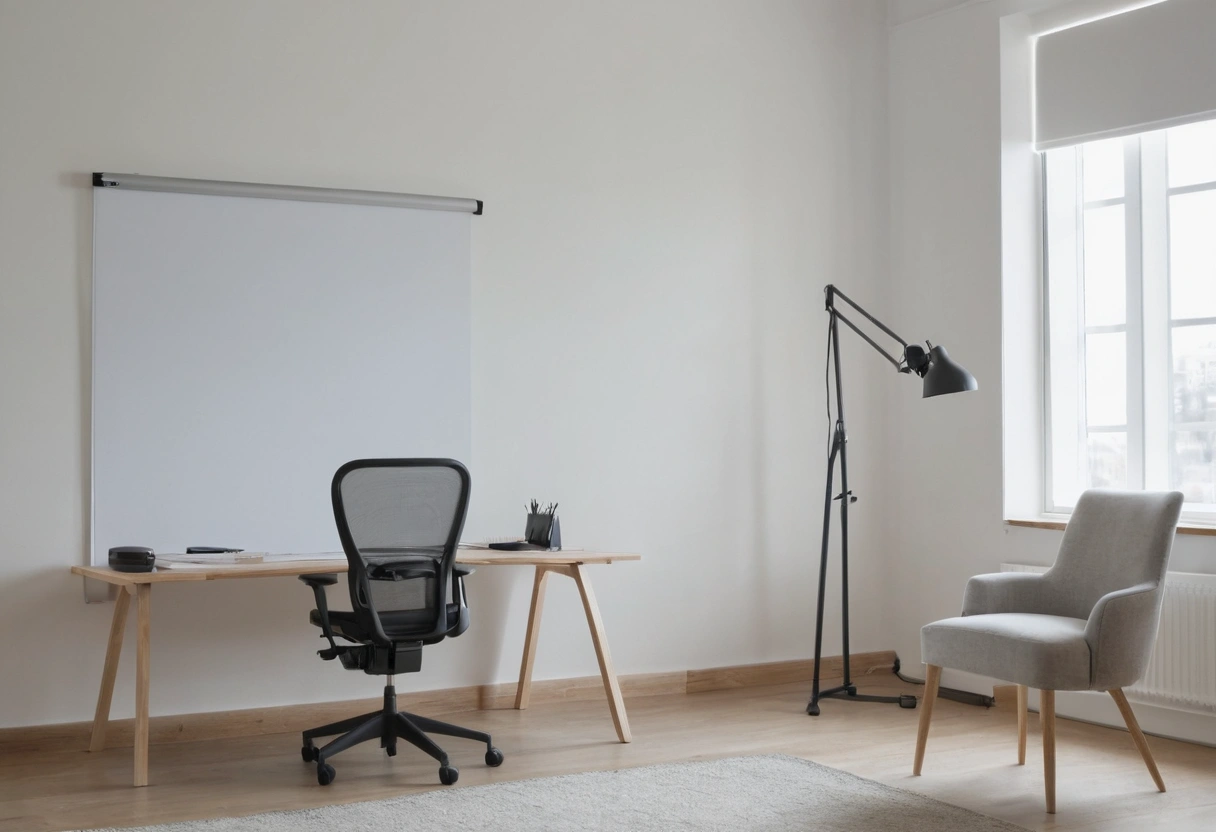
A whiteboard is the obvious answer, but a sheet of smooth board screwed to the wall works, as does a run of paper pinned up and replaced. Fix it where you can read it from the chair without standing. Divide it into three zones: what is being built now, what comes next, and decisions already made. That last zone matters most. Write settled decisions there with the date in words, and stop reopening them.
Keep anything with a password or a client’s personal details off the wall. If the room doubles as a guest bedroom or the children do homework in it, choose a board with doors, or turn a cork panel to face the wall when visitors come. The plan is for you, not for everyone who walks past.
Two screens, one straight ahead
Building a booking site means constant comparison: the page you are writing against the supplier’s terms, the test booking against the confirmation email, the draft against the live version. One screen forces you to flick between windows, and you lose your place each time.
Put the main screen directly in front of you, its top edge at about eye level. The second screen sits to one side, angled in, and holds reference material only. If you use both equally, set them side by side with the join in front of your nose and accept a small turn of the head either way; if one is clearly the working screen, keep that one centred. A monitor arm clamped to the desk frees the surface underneath and lets you nudge the height as the day goes on. Check the desk edge can take a clamp before buying one: some thin or hollow tops cannot.
Laptops need a stand and a separate keyboard to reach the same height. For the machine itself, connections and backup drives, our guide to the technology layer of a home office for a booking business covers the kit in more detail. Glare is the local problem: daylight in the UAE is fierce, so sit at right angles to the window rather than facing it or backing onto it, and fit a blind you can pull during the brightest hours.
Somewhere for the paperwork
A travel website drags paperwork behind it: licence documents, supplier agreements, insurance, terms drafted and redrafted, invoices, and the credentials for every system you touch. Decide where these live before the pile starts.
Paper goes in one lockable drawer or box, sorted by kind rather than date, with a simple index taped inside the lid. Anything you must produce at short notice, such as licence and insurance papers, sits at the front. Files on the computer follow the same logic: a folder per area of the project, names beginning with the year and month written out so they sort themselves, and nothing important left on the desktop. Credentials belong in a password manager, never in a spreadsheet or a note stuck to the monitor.
Keep a copy of everything somewhere else, whether an encrypted drive kept in another room or a reputable cloud service, and check once a month that the copy actually opens. If the licensing side of the business is still taking shape, read how to start a tour or travel agency business from home in the UAE for the order of decisions, and treat the resulting documents as the first tenants of your new filing system.
Comfort for the long middle
The exciting weeks are the first ones and the last ones. In between lies a long middle of testing, rewriting and chasing suppliers, and that is where rooms fail people.
Start with the chair. Adjust it so your feet rest flat, your knees sit level with or slightly below your hips, and the desk meets you at about elbow height. A rolled towel behind the small of the back costs nothing and helps until you can buy better. Air conditioning is the other local hazard: a vent blowing onto your shoulders for hours will stiffen you faster than any chair. Redirect the vent, or keep a light layer within reach.
A few habits carry more weight than any purchase:
- Stand up and look across the room at something distant every so often, to rest your eyes.
- Keep water at the desk so thirst is not another reason to break concentration.
- Do the fiddly checking work in your best hours and leave routine tidying for the slump after lunch.
- Set a stopping time and keep it: a build measured in months rewards pacing, not heroics.
If the room has hard floors and bare walls, and video calls with developers or suppliers are part of the week, a rug and curtains will do more for your voice on those calls than any microphone. We cover that in acoustics for video calls in a home office.
Room for the business afterwards
The site will launch, and then it becomes a business that needs answering. Before the build finishes, decide what the room becomes: a place for client calls, a quiet desk for handling bookings, or half of a shared living space that must look tidy by evening. Each answer changes what you fix permanently and what should stay movable. A closed door and a decent background matter for calls; a lockable cabinet and a clear desk matter for bookings; wheels and a folding board matter if the room has to disappear nightly. Our piece on setting up a travel agency from home deals with that layout in full, including keeping client matters apart from household life.
Start with the wall this week
Do the cheap, reversible things first. Clear one wall and mark out the three zones. Sit at the desk and raise whatever screen you already own until its top meets your eye line, using books if necessary. Put every project document you can find into one drawer or folder, and write the index. Then live with the room for a couple of weeks before buying anything permanent: the work will tell you what it needs. When you are ready to spend, buy in this order: chair, second screen, storage that locks. The wall, the filing and the stopping time cost almost nothing, and they carry a long build to its finish.