Keeping a home office cool through a UAE summer
Room choice, window shading, airflow and the heat your equipment adds: how to hold a workroom at a temperature you can think in from June to September.
This is for anyone working from a flat or villa in the UAE who finds the workroom unpleasant by late morning and reaches for the thermostat again. It covers choosing the coolest room, shading the glass properly, setting airflow so cold air lands where it helps rather than on the back of your neck, keeping the noise down while the system runs, and dealing with the heat your equipment quietly produces.
Choosing the room before you buy anything
In most UAE flats the sun is the main problem and the air conditioning fights it. A room with west-facing glass takes the full afternoon load just when you are trying to concentrate, and no amount of cold air feels comfortable while the sun is on your forearm. North-facing rooms get the steadiest light and the least direct sun. East-facing rooms are warm early and calm later, which suits people who start before dawn and finish mid-afternoon.
Look outside as well as at the compass. A balcony slab, a deep reveal, a neighbouring tower or an external louvre can cut more heat than any internal blind, because the sun never reaches the glass. If two rooms are available, take the shaded one even if it is smaller, and put storage in the sunny room instead. In a villa, a ground-floor room with a small window usually beats an upstairs room under a flat roof.
Size matters in both directions. A tiny box room with a desktop machine, screens and a printer heats up quickly and has little air volume to buffer it. A large open living area costs more to cool and rarely holds a steady temperature at desk height. The middle option, a bedroom-sized room with one window and a door that closes, is easiest to manage. If your workroom also receives clients, settle the layout and door decisions in converting a spare bedroom into a client-ready home office before you commit to the warmest room in the flat.
Glass first: external shade, film, then blinds
Heat arrives through glass, so treat the glass in order of effectiveness. External shading comes first: a shutter, an awning, a shade sail or a screen fixed outside stops the sun before it enters. Renters often cannot fit these, but a balcony parasol angled at the window does part of the job without touching the building.
Window film is next. Reflective and spectrally selective films reject some solar heat while keeping the view; darker tints cut glare at the cost of daylight. Two cautions. Some films are unsuitable for certain double-glazed or coated units, so check with the building management or the glazing supplier before applying anything. Film also changes the appearance of the façade, which some buildings restrict.
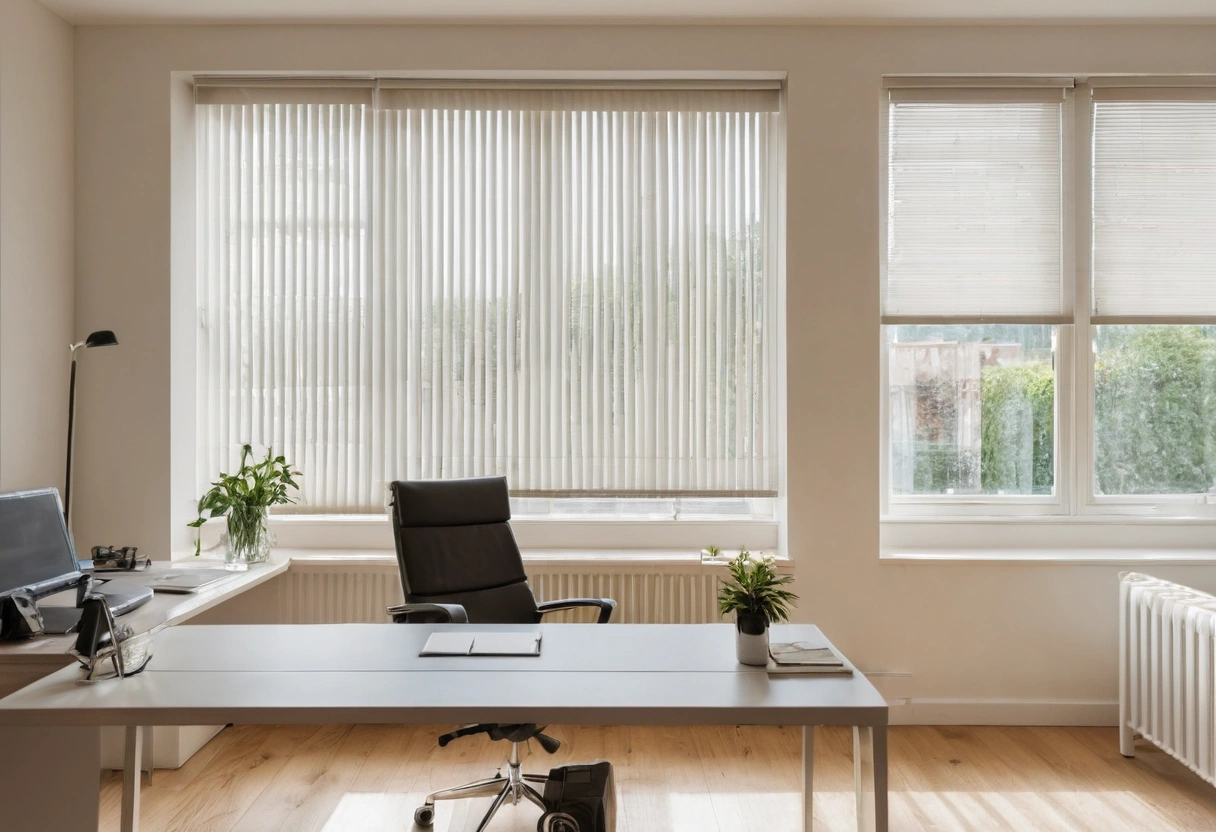
Blinds and curtains do the last part of the work. Light-coloured fabric reflects rather than absorbs; a blackout lining with a pale face turned outwards performs better than a dark curtain that becomes a radiator. A cellular or honeycomb blind traps a layer of air at the glass, and a pelmet or a close fit at the top stops warm air spilling into the room. Keep the blind close to the glass and leave a gap at the sill so trapped heat can escape rather than sit against the pane.
Curtains only help if they are closed before the sun arrives. Work out which hours your window is hit, then close everything before you start work rather than once the room is already hot.
Airflow that cools you without freezing you
Most complaints about home-office air conditioning are really complaints about direction. Set the louvres to send air up and along the ceiling, letting it fall into the room, rather than straight at the desk. Cold air on shoulders and wrists makes people raise the setpoint, which leaves the far side of the room stuffy.
Check the path between the supply vent and the return grille. A tall wardrobe, a stack of archive boxes or a bookcase pushed across the return will starve the system and leave a warm pocket around your chair. Leave a hand’s width behind furniture, keep the top of tall storage clear of the ceiling zone, and store paper files low and away from vents where dust collects.
A small desk fan does more for comfort than a lower thermostat: moving air across skin feels cooler at the same temperature. Point it across the room rather than at your face, and put it on the floor if papers keep lifting. Filters need attention through a dusty summer: a clogged filter reduces airflow, adds noise and lets the coil run colder than it should. Rinse the washable ones every few weeks and let them dry fully before refitting. If the unit drips, smells damp or barely cools on a mild day, that is a servicing job, not a settings problem.
Keeping the noise down while it runs
A workroom that sounds like a plant room is hard to work in and worse for calls. Most of the noise is turbulent air rather than machinery: a high fan speed pushing through a partly closed grille, a loose louvre rattling, a flexi duct kinked above the ceiling. Running a slightly lower fan speed for longer is usually quieter and steadier than short bursts at full blast.
Soft surfaces help. A rug, upholstered chair, lined curtains and a filled bookcase absorb the hiss and shorten the reverberation, which also improves how you sound on a call. Move the microphone off the desk surface and away from the vent path, and use a headset with a close boom mic rather than a laptop microphone sitting in the airflow. If you take client calls in this room, schedule them for the hours when the system is running gently rather than pulling the room down from hot.
The heat you generate yourself
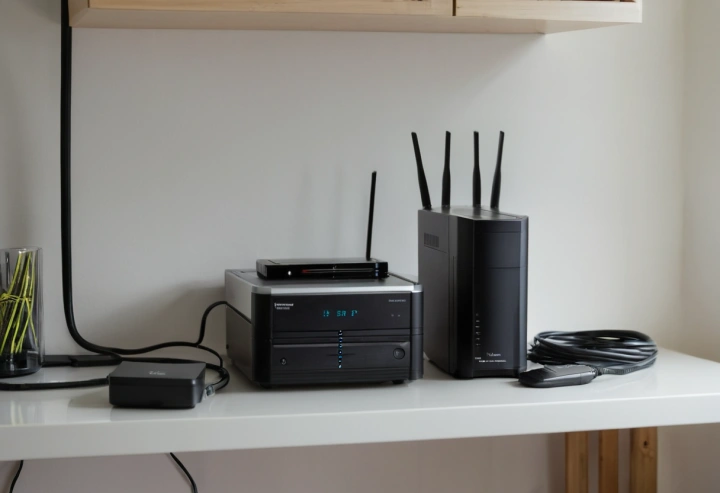
Every watt your equipment draws ends up as heat in the room. A desktop tower under load, a pair of large screens, a dock, a laser printer warming up, a network box and a handful of chargers add up to something like a small heater running beside you all day. In a compact room that is enough to shift the temperature noticeably.
- Move the printer, scanner and network equipment into a ventilated cupboard or hallway, using a long cable or wireless connection rather than keeping them at your elbow.
- Put the computer tower on the floor away from the wall, not inside a closed cabinet, and keep its intake and exhaust clear of bags and boxes.
- Choose a laptop and a single efficient screen over a large multi-screen array if the room is small and hard to cool.
- Charge tools, batteries and spare devices outside the workroom, and switch the whole desk off at one socket at the end of the day.
Storage deserves thought here too. Paper, ink cartridges, camera batteries and external drives all dislike heat, so keep them out of the window bay and off the top of anything warm. If you are still assembling the equipment itself, the choices in the technology layer of a home office for a booking or travel business affect both your electricity bill and your cooling load.
Care through the season, and what to do next
Summer maintenance is unglamorous and short. Wipe vent grilles and blind slats with a dry cloth, vacuum the floor edge where dust gathers, check the window seals and the gap under the door, and look at the balcony drain before the humidity arrives. Damp is the other half of comfort: a room that feels clammy at a reasonable temperature often has a moisture problem rather than a heat problem, and a leaking condensate line or a wet balcony threshold is worth reporting early.
Start with a week of notes rather than a purchase. Record the room temperature at your desk in the morning, mid-afternoon and evening, note when the sun hits the glass, and write down what the AC is doing. That short log tells you whether you have a solar problem, an airflow problem or an equipment problem, and it stops you buying film for a room that simply needs its return grille uncovered. Then fix the largest cause first, retest for a few days, and move on to the next only if the numbers still argue for it.